The Concore Action
Introduction
This feature makes it easy for users to share their studies, examples, and program files. With this feature, you can contribute your work without having to use GitHub.
How to use?
Using concore editor:
Open concore editor by clicking on https://controlcore-project.github.io/concore-editor/
Click on
Contributebutton at top-right of the editorTo contribute examples, concore fri(server) needs to be switched on. To do so refer https://control-core.readthedocs.io/en/latest/concoreeditor.html#how-to-use
- Fill in the details as follow:-
- These are the necessary arguments
Study Name - title of the study
Study Path - full directory path where the study is located as shown below.
Author Name - name of the person who created that study
- You can also provide the options arguments by clicking
Show Advance Optionsbutton Branch Name - the branch name you want
Title of Study - a short title which will displayed as title of pull request at github
Description of Study - a description which will be displayed as body of the pull request at github
Note: If you are not familiar with Github, we recommend you to skip the optional fields
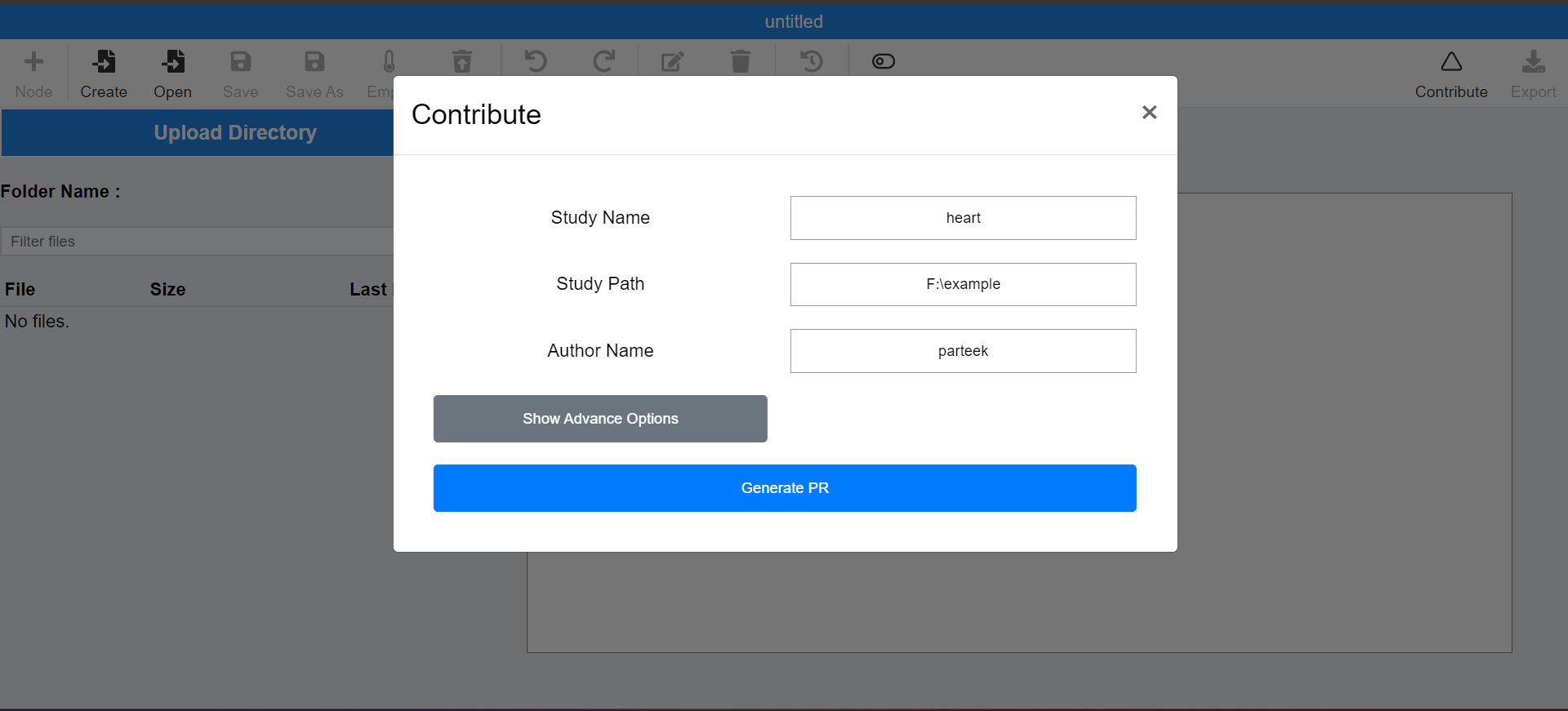
Click on
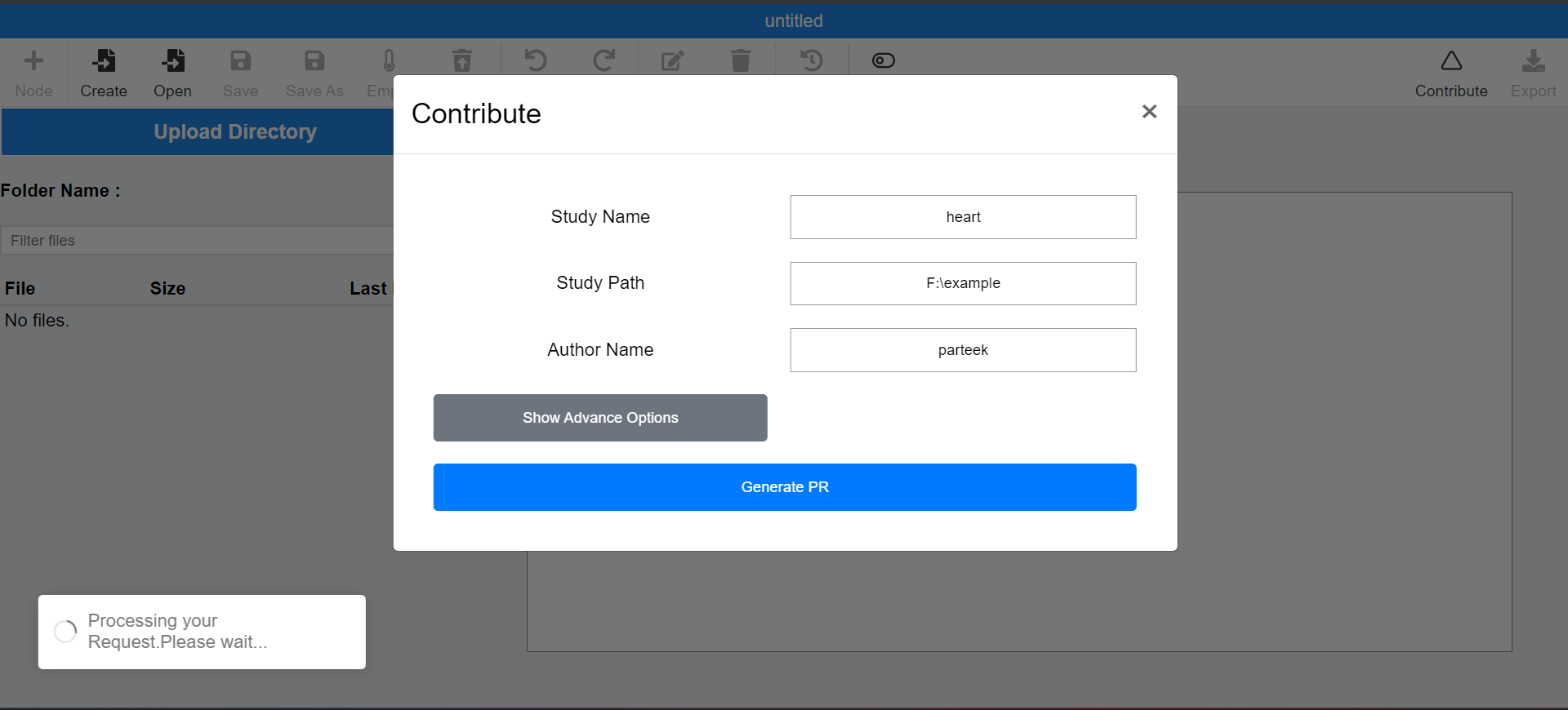
Generate PRbutton and wait until it processes your request
After it gets completed, you can check at the link given in the message
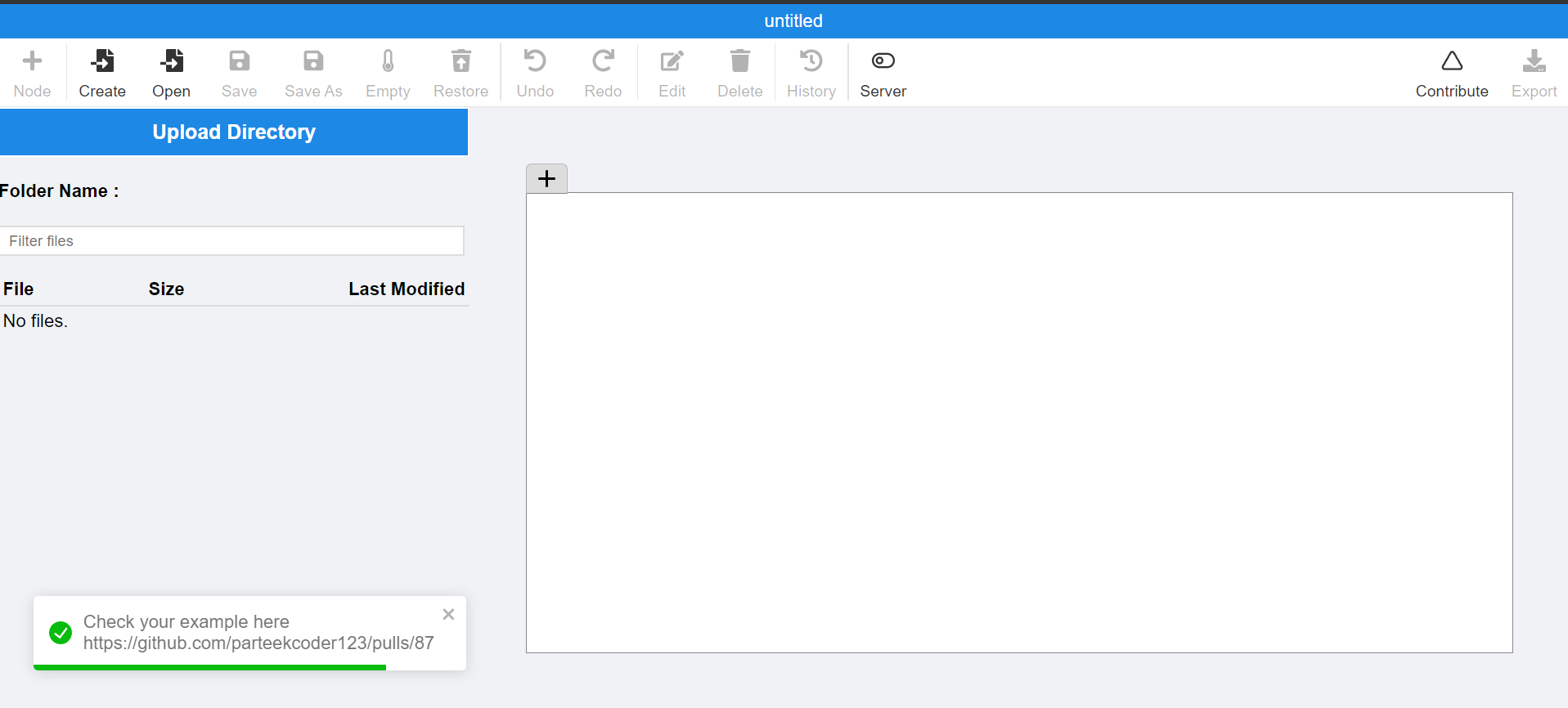
Note: Successful submission doesnot mean that your study is added to our repository, It will take time for us to review and accept the study.So, you can mention your email in the description field mentioned above so that if your study got accepted then we will let you know.
Using command-line tools:
pass the above mentioned arguments to the
contributecommand
./contribute <Study-Name> <Full-Path-To-Study> <Author-Name> <Branch-Name> <PR-Title> <PR-Body>
e.g:
./contribute heart F:\example parteek heart-study "Added heart study"
It will create a Pull request authored by parteek, on a new branch named heart-study with title “Added heart study”